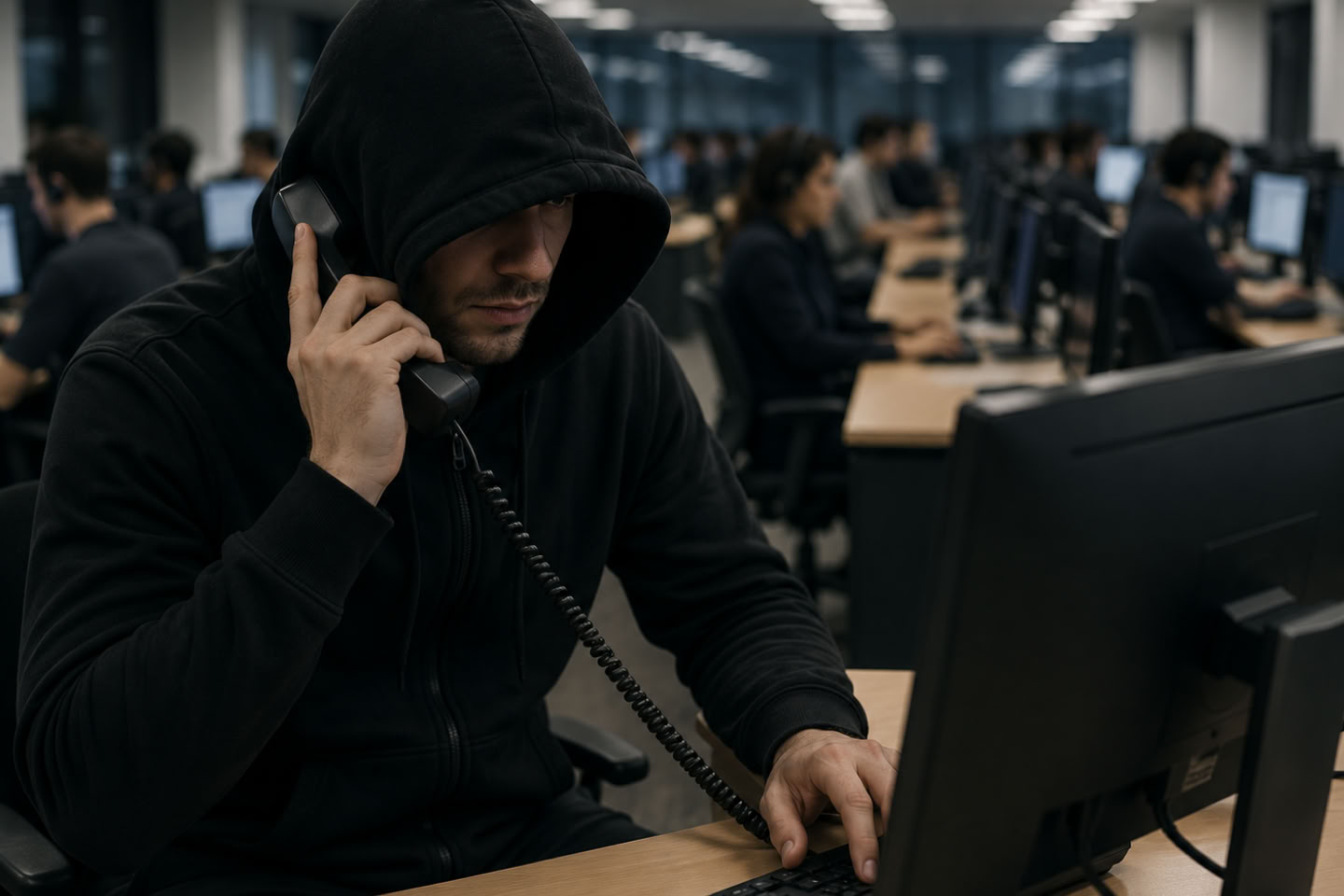
The phone rings. A polite, professional voice announces that your computer has been compromised — there are viruses, hackers, or suspicious activity detected by "Microsoft" or "Apple." All you need to do is let them help. It sounds reasonable. It is anything but.
Tech support phone scams have quietly become one of the most lucrative fraud operations in the world. The script is simple, the results are devastating, and the victims are overwhelmingly ordinary people who simply trusted the wrong caller.
How the Con Works
The call arrives out of nowhere. The scammer claims to be a technician from a trusted brand — Microsoft, Apple, Norton, or even your internet provider. They warn you of an imminent threat: hackers are inside your system right now, your banking credentials are exposed, your device is about to fail. The urgency is engineered to short-circuit your judgment.
Once they have you rattled, they ask you to install a remote-access program — legitimate tools like AnyDesk, TeamViewer, or Quick Assist — that hands them live control of your screen. From there, they browse your files, harvest passwords, lock you out, or transfer funds directly from accounts they've opened right in front of you while you watch, helpless.
"There are 36 hackers in your computer right now."
That chilling line was delivered to a real victim — a woman named Helen — by a scammer who had already looked up her bank using information purchased from dark web databases. She trusted him because he knew where she banked without being told. By the time she realized the "helpful technician" was a fraudster, her money was gone.
Older adults are disproportionately targeted. The FTC reports that Americans aged 60 and over are five times more likely to fall victim to tech support scams than those under 60 — and scammers know it.
How to Protect Yourself
The good news: these scams are entirely avoidable once you know what to look for. Here are the most effective defenses:
1. Hang up immediately. No legitimate company — Microsoft, Apple, your bank — will ever call you unsolicited to warn you about a computer problem. If you didn't initiate the contact, the call is fraudulent. Period.
2. Never grant remote access. Do not install AnyDesk, TeamViewer, Quick Assist, or any software at a stranger's request. Once they're in, assume everything on your device is compromised.
3. Use call-blocking tools. Apps like Nomorobo, Hiya, or your carrier's built-in spam filter can flag or block known scam numbers before your phone even rings.
4. Register with the Do Not Call Registry. It won't stop criminals, but it reduces overall call volume and makes unsolicited calls easier to identify as suspicious. Report violations at donotcall.gov.
5. Talk to older relatives. Adults over 60 are the primary target. A five-minute conversation with a parent or grandparent about this scam can prevent thousands of dollars in losses.
6. Report the call. File a report with the FTC at reportfraud.ftc.gov and the FBI's IC3 at ic3.gov. Reports directly fund enforcement operations that take these rings down.
If you've already given someone remote access, disconnect from the internet immediately, run a full security scan, change every password from a separate device, and contact your bank to flag potentially compromised accounts.
The technology that scammers use is evolving — AI-generated voices and deepfake video are already being deployed to make calls more convincing. But the underlying con hasn't changed: manufactured fear, false authority, and a request for access. Recognize the pattern, and you're already protected.